

Check out a quick short video on YouTube on the software https://youtu.be/l0J9VuEN9gw
Embarking on the journey to trace one’s family history is an exciting venture, and in the digital age, genealogy software has become an indispensable tool, catering to the needs of both enthusiasts and professionals. With an array of options available, each with its unique features and capabilities, choosing the right genealogy software is pivotal in unravelling the intricate tapestry of one’s ancestry.
In this comprehensive guide, we will explore a variety of genealogy software, highlighting their advantages and potential drawbacks to assist users in making informed decisions tailored to their research goals and preferences.
Your genealogical journey involves selecting the right software to uncover your family’s history.
Within this article, I aim to present prospective options for genealogy software, both online and standalone. For those starting their journey as family historians, it becomes essential to find a method for gathering and organizing the information acquired or to be obtained in the future within a suitable program. It’s worth noting that individuals who prefer not to utilize a computer for this purpose may find this information less applicable. In upcoming content, I’ll explore alternatives for those with different preferences. For now, this blog primarily caters to individuals interested in crafting a family tree using genealogy software.
Here’s a detailed look at the advantages and potential drawbacks of the featured genealogy software:
MyHeritage Family Tree Builder
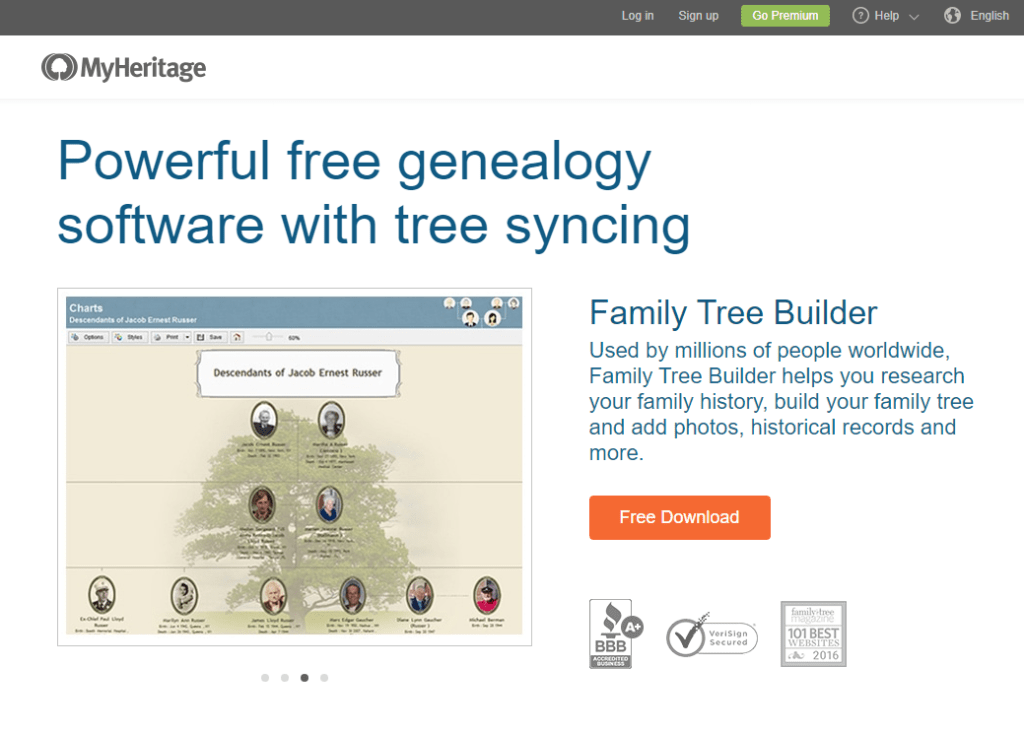
It is a powerful tool that seamlessly integrates with your MyHeritage subscription. The software is free and provides an excellent platform for building and expanding your family tree. Its user-friendly interface makes it accessible for beginners while offering robust features for more advanced users.
- Advantages:
- Integration with MyHeritage Subscription: Seamless integration for MyHeritage subscribers.
- User-Friendly Interface: Accessible for beginners with advanced features.
- Disadvantages:
- Limited Integration: Primarily designed for MyHeritage users.
Agelong Tree 5
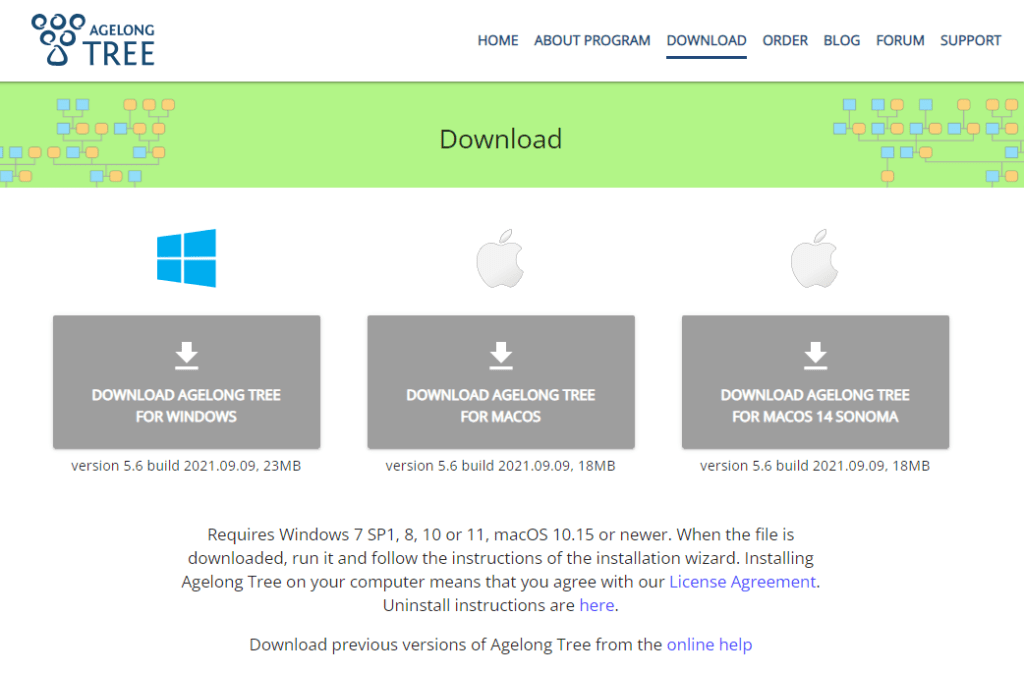
For those looking for a versatile option, Agelong Tree 5 is available for both Windows and Mac OS, starting at €29.95. With a focus on ease of use, this software allows you to create and manage your family tree efficiently.
- Advantages:
- Versatility: Available for both Windows and Mac OS
- Ease of Use: User-friendly interface for efficient family tree management.
- Disadvantages:
- Cost: Starting at €29.95 may be considered pricey for some users.
Ages! Version 2.0

Priced at €39.95 for Windows, provides a comprehensive genealogy solution. With a range of features, it caters to users with varying levels of expertise. The software is designed to help you uncover your family history with precision and clarity.
- Advantages:
- Comprehensive Solution: Packed with features for various user levels.
- Precision and Clarity: Aids in uncovering family history details.
- Disadvantages:
- Cost: Priced at €39.95, may be on the higher end for some users.
Ancestral Quest 16
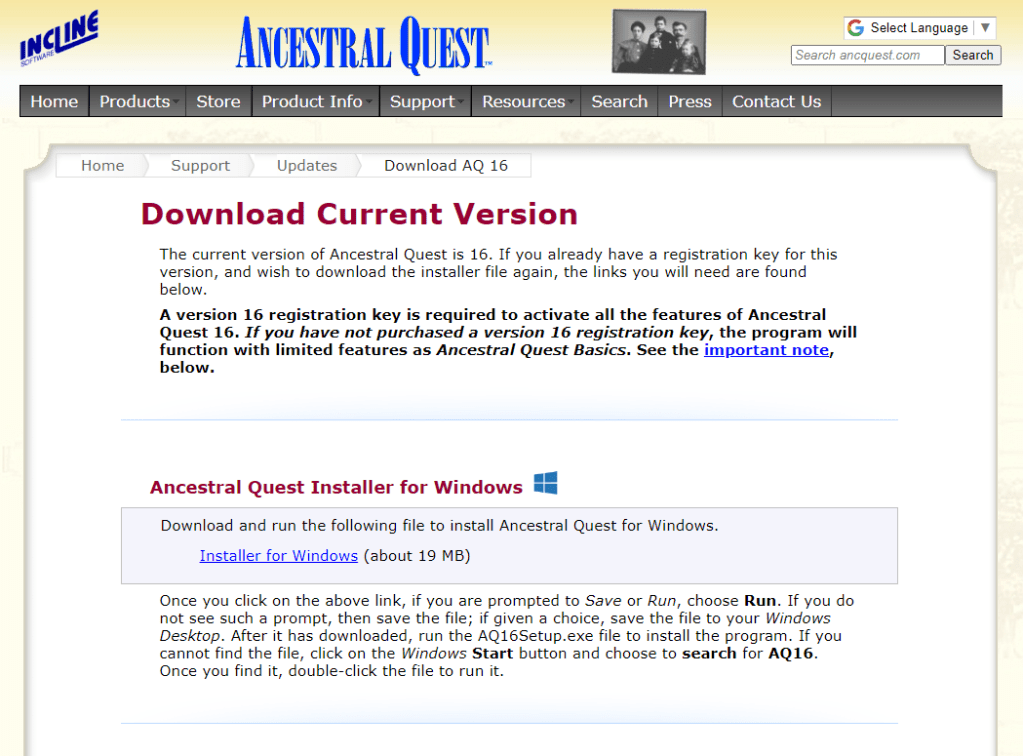
Offers a free basics version, with the option to purchase the full version for $34.95. Compatible with both Windows and Mac OS, this software is known for its user-friendly interface and powerful tools, making it suitable for beginners and experienced genealogists alike.
- Advantages:
- Free Basics Version: Suitable for beginners.
- Cross-Platform Compatibility: Available for Windows and Mac OS
- Disadvantages:
- Cost for Full Version: $34.95 for advanced features.
Behold

Offers a free 45-day trial version and a lifetime license for $40.00 for Windows users. This software distinguishes itself with a clean and intuitive interface, making it easy to organize and analyze your genealogical data.
- Advantages:
- Intuitive Interface: Clean and user-friendly design.
- Trial and Lifetime Options: Options for both trial and lifetime licenses.
- Disadvantages:
- Windows Exclusive: Limited to Windows users.
Brother’s Keeper 7.5
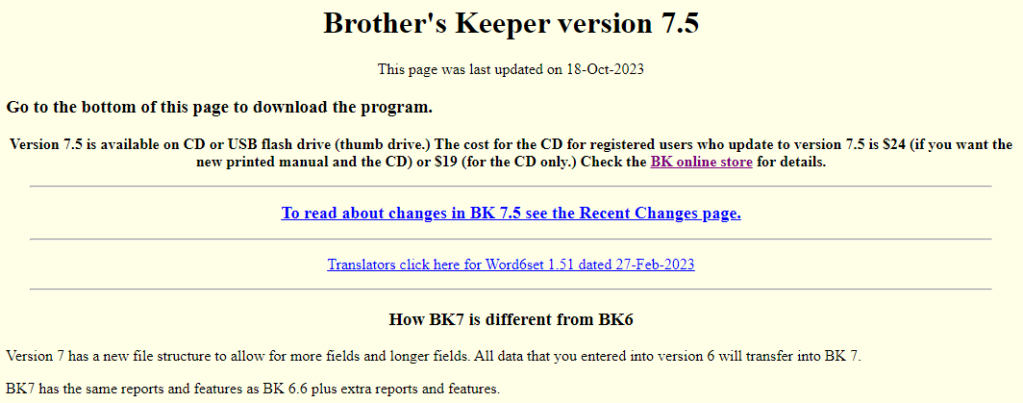
Priced at $32.00 for the full version on Windows, Brother’s Keeper 7.5 is a robust genealogy software solution. It comes with advanced features for in-depth family history research and offers excellent value for its price.
- Advantages:
- Affordability: Priced at $32.00 for a robust genealogy solution.
- Advanced Features: Suitable for in-depth family history research.
- Disadvantages:
- Windows Exclusive: Limited to Windows users.
Family Historian 7

With a download cost of $82.95 CAN for the full version on Windows, Family Historian 7 is designed for serious genealogists. The software provides advanced tools for organizing and visualizing your family tree, making it a valuable asset for detailed research.
- Advantages:
- Advanced Tools: Designed for serious genealogists.
- Organizational Capabilities: Helps in visualizing family trees effectively.
- Disadvantages:
- Higher Cost: Priced at $82.95 CAN.
Family Tree Maker 2019
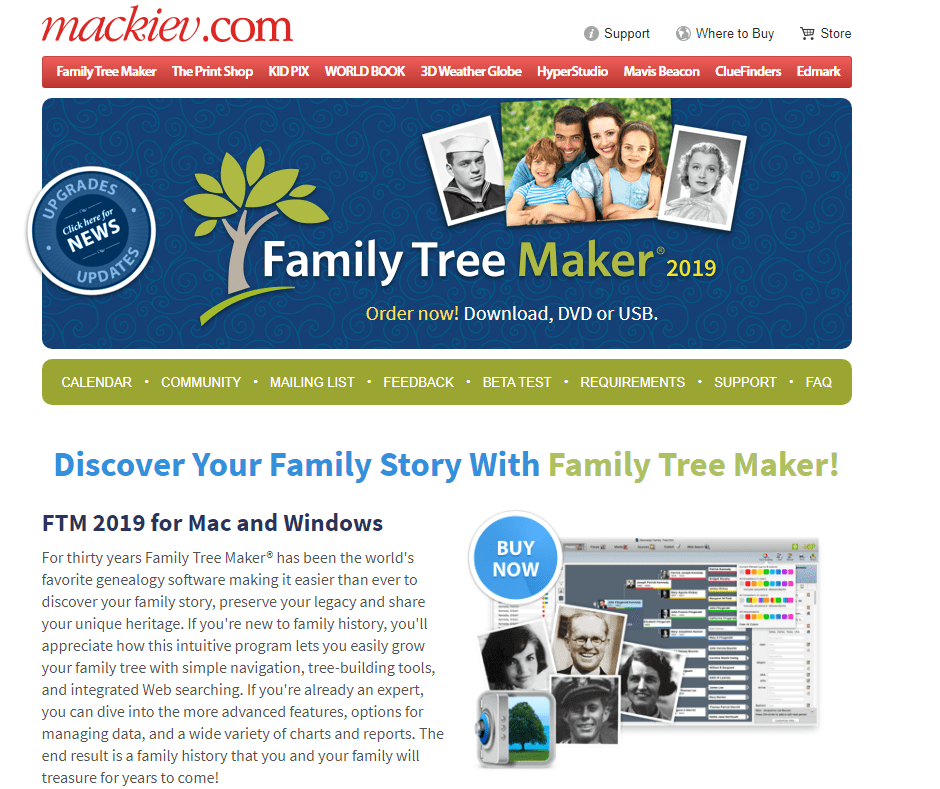
Priced at $114.95 CAN for Windows or Mac OS, is a comprehensive genealogy software package. Known for its user-friendly interface and powerful features, it is a popular choice among genealogists.
- Advantages:
- User-Friendly: Suitable for beginners and experienced users.
- Comprehensive Package: Known for powerful features.
- Disadvantages:
- Higher Cost: Priced at $114.95 CAN.
GenoPro 2020

Offers a free 14-day trial, with different user licenses starting at $49.00 for Windows users. This software is primarily focused on visualizing and presenting your family tree, making it an excellent choice for those who appreciate detailed graphical representations.
- Advantages:
- Visual Focus: Primarily for visualizing and presenting family trees.
- Trial Option: Free 14-day trial available.
- Disadvantages:
- Cost for Full Version: Starting at $49.00.
GRAMPS 5.1.6
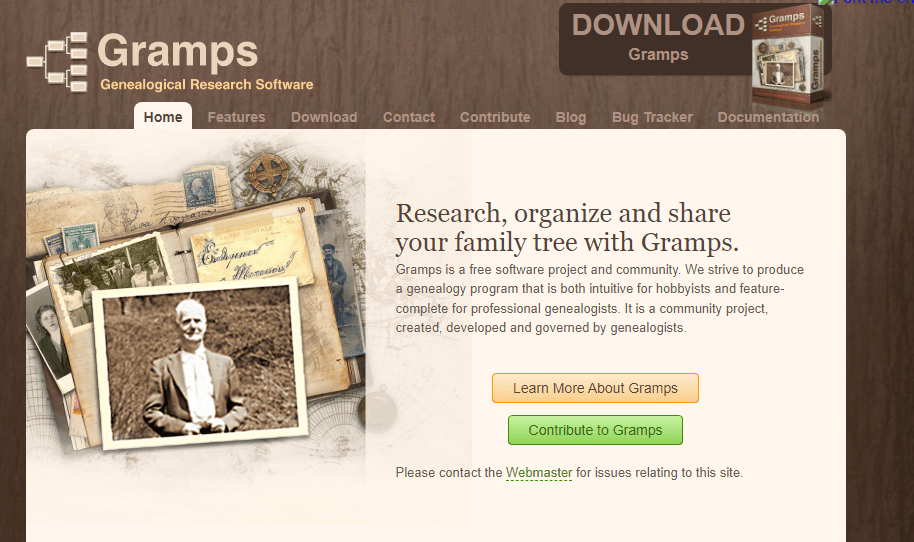
As a free option for Linux, Windows, and Mac OS users, GRAMPS 5.1.6 stands out for its open-source nature. It provides a robust platform for genealogical research without the need for a financial commitment.
- Advantages:
- Open Source: Free genealogy software.
- Platform Diversity: Available for Linux, Windows, and Mac OS
- Disadvantages:
- Learning Curve: May be challenging for beginners.
OneGreatFamily

OneGreatFamily offers flexible subscription plans for online genealogy enthusiasts, allowing users to choose from monthly, quarterly, or annual subscriptions. This online platform facilitates collaboration with other researchers, creating a dynamic and interconnected family tree.
Advantages:
- Flexible Subscription Plans: OneGreatFamily offers monthly, quarterly, or annual subscription options, providing users with flexibility in accessing and utilizing the platform.
- Collaborative Environment: The online platform fosters collaboration among genealogy enthusiasts, enabling the creation of a dynamic and interconnected family tree through shared research efforts.
Disadvantages:
- Subscription Costs: Users may find the subscription costs to be a continuous financial commitment.
- Dependency on Collaboration: The effectiveness of the platform relies on the engagement and collaboration of other researchers.
Heredis
Starting at $39.99 US for Windows and $69.99 for Mac OS, Heredis provides a comprehensive genealogy solution for both platforms. With advanced features for data management and analysis, it’s a valuable tool for serious genealogists.
Advantages:
- Comprehensive Solution: Starting at $39.99 US for Windows and $69.99 for Mac OS, Heredis provides advanced features for data management and analysis, catering to the needs of serious genealogists.
- Cross-Platform Availability: Available for both Windows and Mac OS, offering users the flexibility to switch between platforms.
Disadvantages:
- Cost: The initial cost may be relatively high for some users.
- Learning Curve: The advanced features may pose a challenge for beginners.
Legacy 9.0

Legacy 9.0 offers a free standard edition, with the deluxe edition available for $34.95 US on Windows. Known for its user-friendly interface and robust features, Legacy 9.0 is suitable for users of all levels.
Advantages:
- Free Standard Edition: Legacy 9.0 offers a free version with basic features, making it accessible to users without immediate financial commitment.
- User-Friendly Interface: Known for its intuitive design, making it suitable for users of all levels.
Disadvantages:
- Cost for Deluxe Edition: While the standard edition is free, users seeking advanced features need to purchase the deluxe edition for $34.95 US.
- Limited Advanced Features in Free Version: Some advanced features are restricted to the deluxe edition.
Ancestris 12

A free genealogy software available for Windows, Mac OS, and Linux. With a focus on customization and flexibility, it allows users to tailor their genealogical research experience according to their preferences.
Advantages:
- Free Access: Ancestris 12 is a free genealogy software, making it accessible to users without any financial investment.
- Customization and Flexibility: Users can tailor their genealogical research experience according to their preferences, emphasizing customization.
Disadvantages:
- Limited Advanced Features: As a free software, it may lack some of the advanced features found in paid alternatives.
- Learning Curve: Customization options may result in a steeper learning curve for some users.
RootsMagic 9
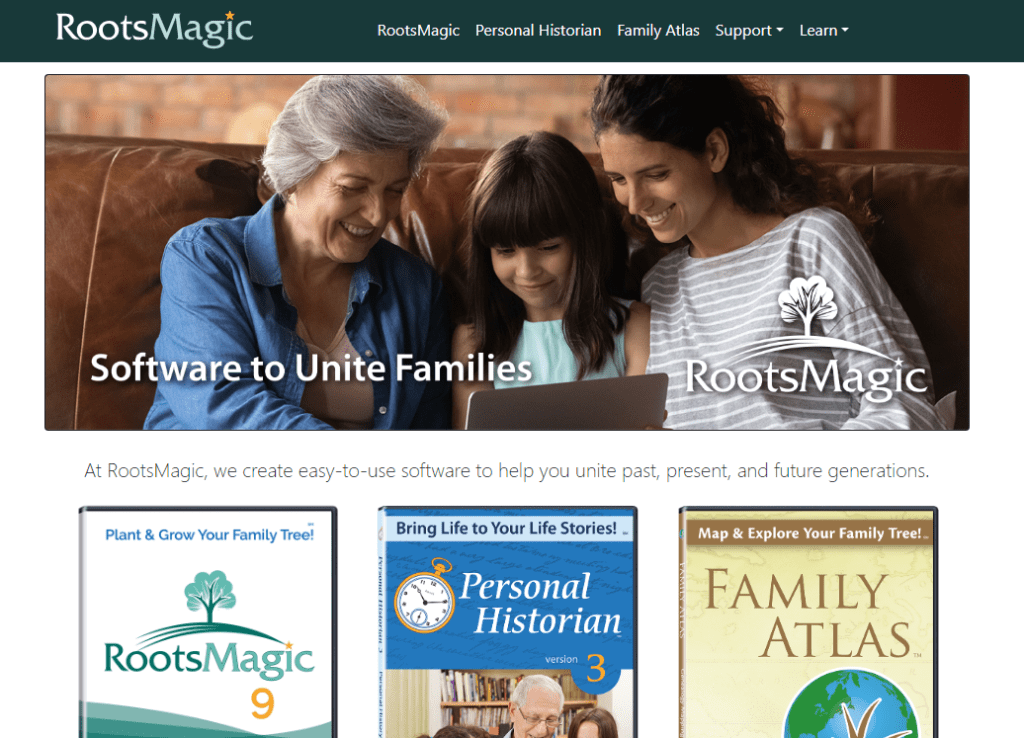
Starts at $39.95 US and is available for both Windows and Mac OS With a strong emphasis on user-friendly navigation and a wide range of features, RootsMagic 9 is an excellent choice for individuals looking for a comprehensive genealogy solution.
Advantages:
- User-Friendly Navigation: RootsMagic 9 places a strong emphasis on user-friendly navigation, ensuring ease of use for individuals of varying levels of expertise.
- Cross-Platform Availability: Available for both Windows and Mac OS, providing flexibility for users with different operating systems.
Disadvantages:
- Cost: Starting at $39.95 US, it may be considered on the higher end for users on a budget.
- Learning Curve for Some Features: While user-friendly, some advanced features may require time to master.
The Next Generation of Genealogy Sitebuilding

The Next Generation of Genealogy Site-building is designed for users interested in creating their own genealogy website. With a user-friendly interface, it empowers users to share their family history with a broader audience.
Advantages:
- Affordability: Priced at $34.99, it offers an affordable solution for users interested in creating their own genealogy website.
- User-Friendly Interface: The software is designed with a user-friendly interface, empowering users to share their family history with a broader audience.
Disadvantages:
- Limited to Website Building: It is specifically designed for users interested in creating their genealogy website and may lack some features found in comprehensive genealogy software.
- Limited Advanced Genealogical Tools: The focus on website building might mean a lack of certain advanced genealogical tools present in other software.
Ancestry.com

Unveil the secrets of your family’s past with Ancestry.com, home to an unparalleled wealth of historical records and family trees. Experience the power of collaboration as you connect with a vast community of researchers, making your genealogical journey not only insightful but also a shared adventure with relatives. Ancestry.com’s massive database and user-friendly interface make it a premier choice for both beginners and seasoned genealogists, ensuring a comprehensive and enriching exploration of your family history.
- Advantages:
- Massive Database: Access to an extensive collection of historical records and family trees.
- Collaboration: Connect with a vast community and collaborate with relatives on your family history.
- Disadvantages:
- Costs: Ancestry.com often requires a subscription fee for full access.
- Learning Curve: The platform can be overwhelming for beginners.
MyHeritage
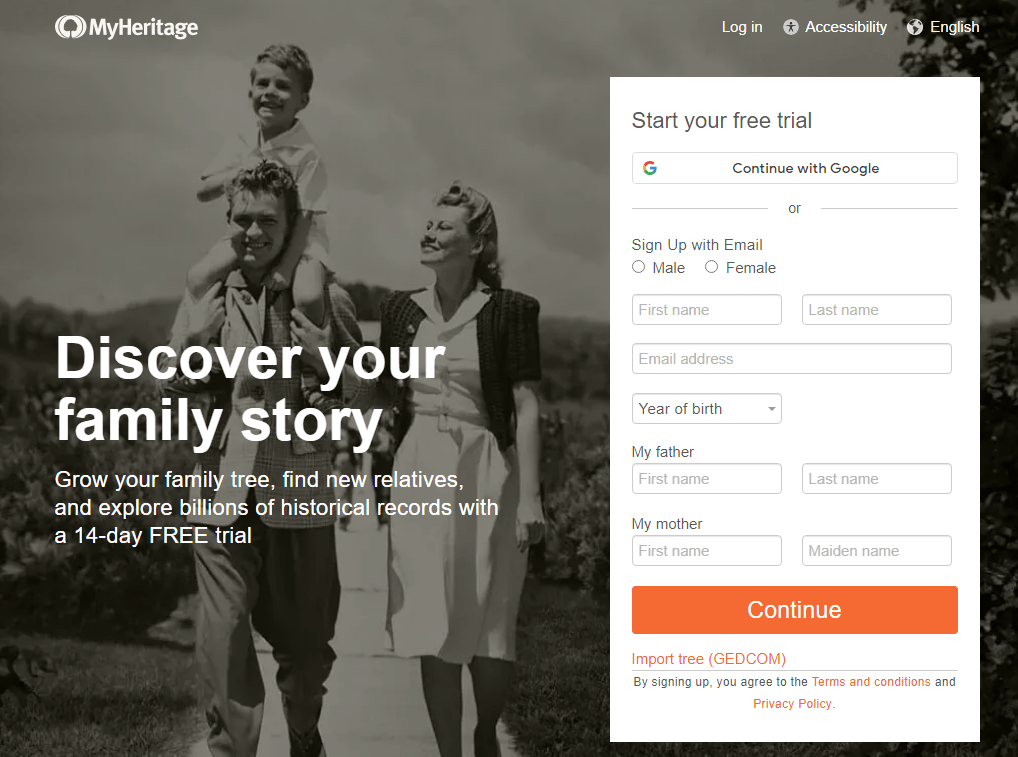
MyHeritage stands as a technological marvel in the realm of genealogy, employing smart matching algorithms to seamlessly connect you with historical records and family trees. Embrace the future of genealogical research by integrating DNA testing for a more comprehensive understanding of your ancestry. MyHeritage’s commitment to innovation, coupled with its user-friendly platform, ensures an engaging and enlightening experience as you delve into the intricate branches of your family tree.
- Advantages:
- Smart Matches: Utilizes advanced algorithms to discover matches in historical records and other family trees.
- DNA Integration: Seamless integration with DNA testing for a more comprehensive understanding of your ancestry.
- Disadvantages:
- Subscription Costs: Some features may require a subscription.
- Privacy Concerns: Uploading DNA data raises privacy considerations.
FamilySearch
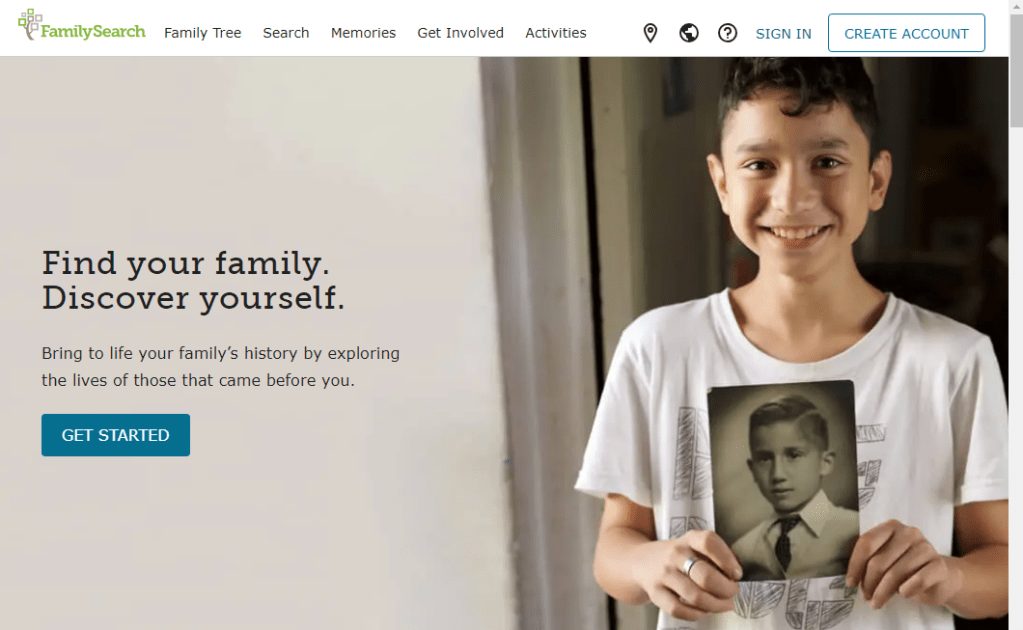
Embark on a genealogical journey without financial constraints with FamilySearch, offering free access to an extensive collection of historical records and family trees. Navigate the past with a user-friendly interface that facilitates collaboration with a global community of researchers. FamilySearch empowers users of all levels to discover their roots, making it an ideal starting point for those beginning their genealogical adventure or looking for a budget-friendly yet comprehensive solution.
- Advantages:
- Free Access: Offers a wealth of historical records and family trees at no cost.
- Collaboration: Facilitates collaboration with a global community of researchers.
- Disadvantages:
- Learning Curve: Navigating the interface can be challenging for beginners.
- Limited Privacy Controls: Users have limited control over privacy settings.
Geni
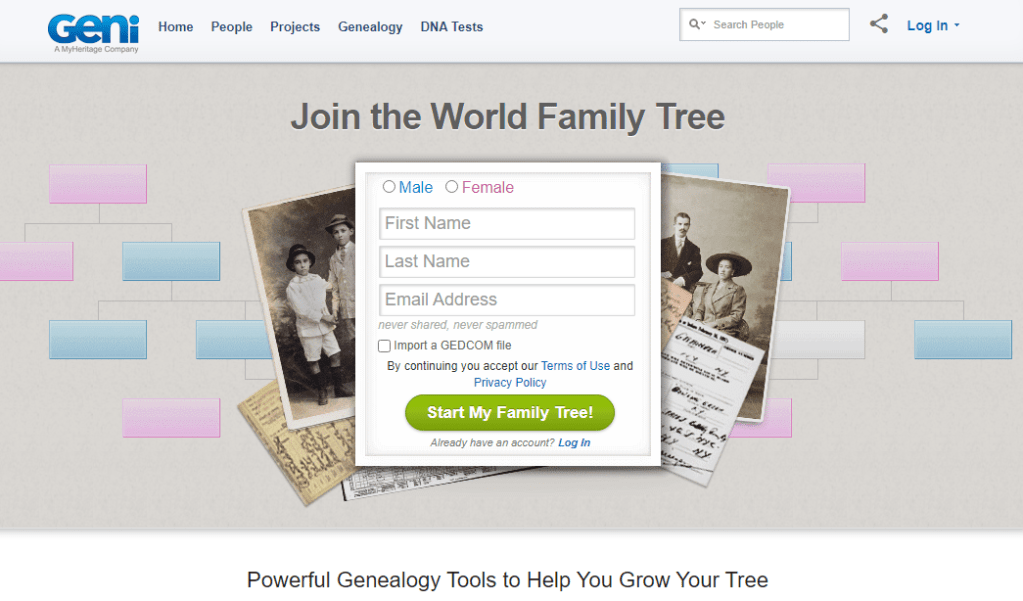
Geni revolutionizes the world of genealogy with its collaborative platform, contributing to a single, interconnected family tree. Experience the power of social features as you connect with distant relatives and effortlessly share your discoveries. Geni’s commitment to creating a global family network and its emphasis on collaboration make it a compelling choice for individuals seeking a dynamic and interconnected exploration of their family heritage.
- Advantages:
- World Family Tree: Collaborative platform contributing to a single, interconnected family tree.
- Social Features: Connect with distant relatives and share discoveries easily.
- Disadvantages:
- Limited Control: Users have less control over data privacy.
- Learning Curve: Collaborative features may be complex for some users.
Heritage Collector

Preserve and organize your family’s rich history with Heritage Collector, a genealogy software that places media management at its core. Emphasizing the organization and preservation of photos, documents, and other media, Heritage Collector transforms your genealogical research into a captivating narrative. For those who value storytelling and media-rich family histories, Heritage Collector is the essential tool for weaving an immersive tapestry of your heritage.
- Advantages:
- Media Management: Emphasis on organizing and preserving photos, documents, and other media.
- Storytelling: Facilitates the creation of compelling narratives to bring your family history to life.
- Disadvantages:
- Cost: Some features may be available through in-app purchases.
- Learning Curve: Features may be overwhelming for beginners.
TribalPages
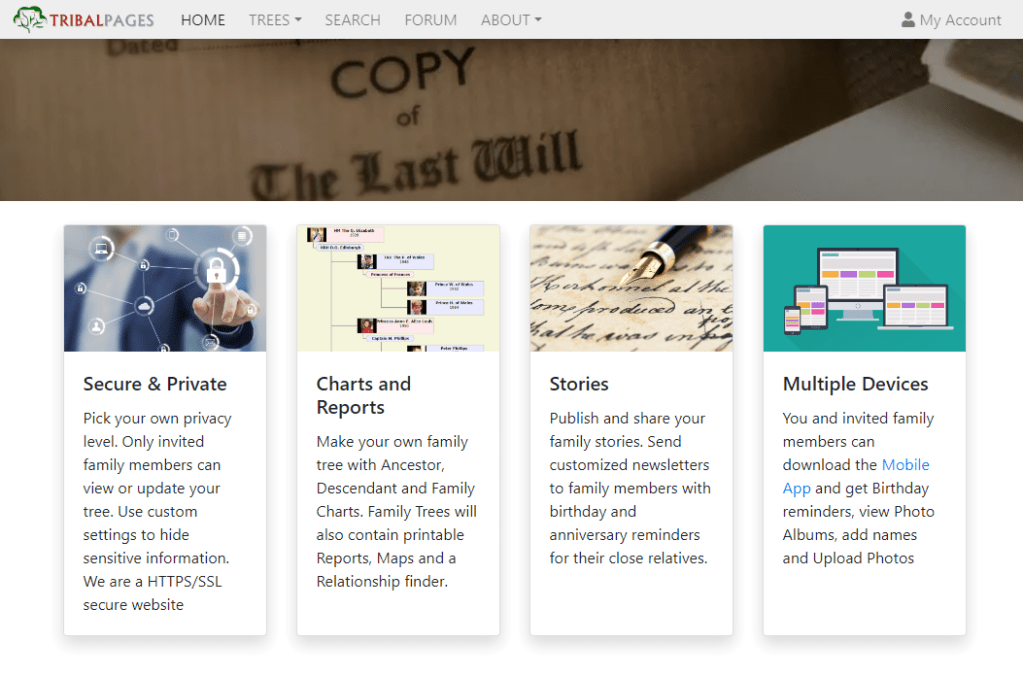
Step into the digital age of genealogy with TribalPages, a web-based platform that enables you to create and share your family tree effortlessly. With robust privacy controls, you can manage access to your family information while enjoying the convenience of an online platform. TribalPages’ emphasis on web-based collaboration makes it an ideal choice for individuals looking to connect with relatives and share their family history securely and conveniently.
- Advantages:
- Web-Based: A platform for creating and sharing your family tree online.
- Privacy Controls: Offers robust privacy settings for controlling access to your family information.
- Disadvantages:
- Subscription Costs: Some advanced features may require a subscription.
- Limited Offline Access: Requires internet connectivity for full functionality.
Selecting the right genealogy software involves weighing the advantages and disadvantages that align with your preferences and needs. Consider factors such as cost, compatibility, and the learning curve to make an informed decision. Whether you opt for the feature-rich paid versions or the open-source alternatives, each software on this list offers a unique approach to uncovering your family’s heritage.
10 Tips and Strategies for Using Genealogy Software
- Start with a Clear Plan: Before diving into your genealogy software, outline your research goals and objectives. Define what specific information you are seeking and the scope of your project. A clear plan will guide your use of the software and help you stay focused on your research objectives.
- Organize Your Data: Establish a consistent system for organizing your data within the genealogy software. Utilize features such as folders, tags, or categories to keep information structured and easily accessible. Consistent organization will save you time and make it simpler to navigate your family tree as it grows.
- Regularly Back Up Your Data: Genealogy software often contains a substantial amount of valuable information. Ensure the safety of your research by regularly backing up your data. Most software applications offer built-in backup features, or you can manually export your data to an external storage device or cloud service.
- Master the Software Features: Take the time to explore and understand all the features offered by your genealogy software. Familiarize yourself with charting options, reporting tools, and search functionalities. Knowing how to use the software to its full potential will enhance your research capabilities.
- Utilize Collaboration Tools: If your genealogy software supports collaboration features, make use of them. Connect with family members and other researchers to share information, insights, and collaborative efforts. Collaborative tools can help fill gaps in your research and provide fresh perspectives on your family history.
- Source and Cite Your Information: Establish a habit of sourcing and citing your information within the genealogy software. This practice adds credibility to your research and makes it easier to trace the origin of each piece of information. Many software programs have built-in citation tools to streamline this process.
- Explore Online Resources: Genealogy software often integrates with online databases and resources. Take advantage of this connectivity to access additional records, historical documents, and archives. Online resources can provide valuable context and enhance the depth of your family history research.
- Regularly Update and Review: Genealogy is an ongoing process, and new information becomes available over time. Regularly update your family tree with new findings and review existing data for accuracy. Set aside dedicated time for these updates to ensure your research remains current.
- Collaborate with DNA Testing: If your genealogy software supports DNA integration, consider incorporating DNA testing into your research strategy. This can reveal valuable connections, validate relationships, and provide a deeper understanding of your genetic heritage.
- Educate Yourself Continuously: Genealogy is a dynamic field with evolving methodologies and resources. Stay informed about the latest developments, attend workshops, and participate in genealogy forums to enhance your research skills. Continuous education will empower you to make the most of your genealogy software and improve the quality of your research.
Advantages
Genealogy software offers a multitude of advantages, revolutionizing the way individuals explore and document their family history. Here are some key benefits:
- Efficient Organization: Genealogy software provides a structured and organized platform for managing vast amounts of family data. Users can systematically arrange information, link relatives, and create visual representations of their family trees, simplifying the otherwise complex task of tracking ancestry.
- Data Accuracy: These tools facilitate precise data management, reducing the likelihood of errors common in manual record-keeping. With features like standardized date formats and relationship tracking, genealogy software enhances the accuracy and reliability of family information.
- Collaborative Research: Many genealogy software platforms offer collaborative features, enabling users to connect with family members and fellow researchers. Shared databases and collaborative family trees foster a sense of community, encouraging the exchange of information and collective efforts in uncovering family history.
- Visualization Tools: Genealogy software often includes visualization tools such as charts and reports. These features allow users to explore their family history in a visual format, making it easier to identify patterns, connections, and gaps in their research.
- Time Efficiency: Automating repetitive tasks like relationship calculations and data entry accelerates the research process. Genealogy software helps users make efficient use of their time, allowing them to focus more on analysis and exploration rather than manual record-keeping.
- Access to Online Resources: Many genealogy software platforms integrate with online databases, archives, and historical records. This connectivity expands research possibilities, providing users with access to a wealth of information, documents, and records that can enrich their family narratives.
- Media Integration: Genealogy software accommodates the inclusion of multimedia elements such as photos, documents, and audio recordings. This feature not only enhances the richness of family stories but also preserves and shares visual representations of ancestors, adding a personal touch to the family history.
- Privacy Controls: Users can control the level of privacy for their family information. Genealogy software often includes robust privacy settings, allowing individuals to decide who can access specific details, ensuring sensitive information remains secure.
- Historical Context: Many genealogy software platforms offer tools to integrate historical context into family narratives. Users can overlay historical events, maps, and timelines onto their family trees, providing a broader perspective on their ancestors’ lives within the context of significant historical moments.
- Customization: Genealogy software is designed to accommodate a variety of user preferences and research styles. Customization options, such as the ability to create personalized fields, allow users to tailor their genealogical research experience to suit their specific needs and interests.
- Documentation and Citations: Proper documentation is essential in genealogy research. Genealogy software often includes features that help users cite their sources, ensuring the credibility and traceability of the information. This is particularly important for maintaining a reliable and well-documented family history.
- Mobile Accessibility: Many modern genealogy software applications are accessible on mobile devices, providing users with the flexibility to continue their research on the go. This mobile accessibility ensures that users can delve into their family history whenever and wherever they choose.
In summary, genealogy software streamlines the research process, enhances data accuracy, promotes collaboration, and provides a dynamic and interactive platform for individuals to explore and share their rich family histories.
Disadvantages
While genealogy software provides valuable tools for exploring your family history, it’s essential to consider potential disadvantages:
- Costs: Some genealogy software may have associated costs, whether it’s a one-time purchase, subscription fees, or additional charges for premium features. Evaluate your budget and choose software that aligns with your financial constraints.
- Learning Curve: Certain genealogy software can have a steep learning curve, especially for beginners. Invest time in understanding the features and functionalities of the chosen software to maximize its benefits.
- Data Privacy Concerns: Uploading sensitive family information to online platforms may raise privacy concerns. Be cautious about the security measures implemented by the software and consider whether you’re comfortable storing personal data online.
- Dependency on Internet Connectivity: Online platforms, including collaborative genealogy websites, may require a stable internet connection. If you prefer working offline or have limited internet access, consider software that accommodates these preferences.
- Limited Access to Records: While some software provides access to extensive databases, certain historical records may not be available. Research the sources the software taps into and be aware of potential gaps in your family history research.
- Software Compatibility: Ensure that the chosen genealogy software is compatible with your operating system (Windows, Mac OS, Linux) to avoid technical issues. Check for updates and compatibility as technology evolves.
- Storage Limitations: Depending on the software, there may be limitations on the amount of data or media you can store. Confirm the storage capacity and assess whether it meets your needs, especially if you have an extensive family history.
- Reliability of Collaborative Features: Collaborative features, while advantageous, may also introduce complexities if not managed carefully. Misinterpretations or conflicting data may arise from collaboration, emphasizing the importance of clear communication.
- Upkeep and Updates: Regular updates are crucial for software functionality and security. Some users may find it challenging to keep up with updates, leading to potential issues or missing out on improved features.
- Data Export and Migration: Consider the ease of exporting your data from one software to another, as you may want to switch platforms in the future. Compatibility and data migration tools can impact the transition process.
By weighing these potential disadvantages alongside the listed advantages above, you can make an informed decision on the genealogy software that best suits your needs and preferences.
Free Alternatives
If you are new to genealogy and seeking a program to use for family tree there are several free genealogy software options are available for family historians. They have valuable tools for organizing and documenting your family history and I would recommend researching each one thoroughly. Here are six notable free genealogy software options to research more for your genealogy goals in your family tree research:
- Gramps:
- Platform: Linux, Windows, macOS
- Key Features: Open-source and user-friendly, GRAMPS offers comprehensive family tree management, with the ability to add detailed information about individuals and relationships.
- Legacy Family Tree Standard Edition:
- Platform: Windows
- Key Features: While Legacy Family Tree offers a paid deluxe version, they also provide a free standard edition. It includes basic family tree building and organization tools.
- Ancestris:
- Platform: Linux, Windows, macOS
- Key Features: An open-source genealogy program with a focus on customization and flexibility. Ancestris allows users to adapt the software to their specific research needs.
- RootsMagic Essentials:
- Platform: Windows, macOS
- Key Features: RootsMagic Essentials is a free version of the paid RootsMagic software. It offers essential features for family tree building, tracking, and reporting.
- Family Tree Builder by MyHeritage:
- Platform: Windows, macOS
- Key Features: MyHeritage Family Tree Builder is a free software that integrates with the MyHeritage online platform. It provides tools for building and editing family trees.
- GeneWeb:
- Platform: Web-based
- Key Features: GeneWeb is a web-based genealogy software that allows users to create and manage their family trees online. It supports collaboration and data sharing.
These free genealogy software options provide family historians with a range of tools to start their genealogical journey, from basic family tree building to more advanced features for detailed research and documentation.
As we conclude this exploration of genealogy software, it becomes evident that each tool offers a distinctive approach to uncovering the rich histories within our family trees. Whether one seeks user-friendly interfaces, robust research tools, or advanced features for serious genealogical endeavours, the diverse options outlined in this guide cater to a spectrum of needs. The advantages and disadvantages outlined for each software provide valuable insights, empowering users to choose the software that aligns with their goals and preferences. May your genealogical journey be enriched and organized, unlocking the fascinating stories that reside within the roots of your family history.
Happy researching!
 Discovering Your Past